Edit Sign Up or RSVP
So you signed up, but now you're too busy to get that flu shot your company offered for free, huh? Yeah, we're afraid of needles, too. Good thing it's so easy to edit a sign up commitment.
If you signed up with an account (using an email and password), log in and click the Invited To tab on your account Sign Ups page. Click the pencil icon to the right of the sign up to edit details associated with your sign up.
If you want to delete yourself from a sign up slot, click the X icon and confirm on the next screen that you want to remove yourself. If you need to sign up for a different date/time, you can go back to the sign up and select a new one.
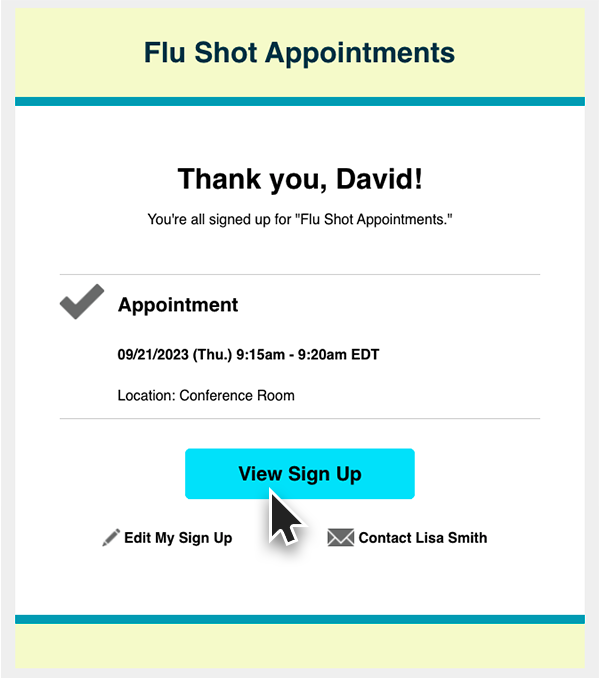
If you signed up without an account, you can go back to the sign up by following the link that was provided in your original invite or you can go back to the confirmation email that was sent to you after you signed up.
When you view the sign up, you'll see a link at the top that states, Already signed up? You can change your sign up. Click that link to follow the steps to make changes to your sign up slot.
All done! We'd give you a lollipop for doing such a great job, but those are usually reserved for people who get their shots. Ouch.